

Email Migrations
Move your team’s email to Microsoft 365 with every mailbox and its full history. IT Hawaii plans the move, switches you over after hours and reconnects everyone’s Outlook and phone.
- Moves to Microsoft 365
- Cutover after hours
- Outlook and phones reconnected












Your email grows with your business
Your Hawaii business is adding people, brands or even a whole new company, and your email has to follow.
Every email lost in a rushed switchover is a client message your team never sees.

How do you move your business email without losing messages?
We move your email to Microsoft 365 from:
Every mailbox moves with its full history.
After-Hours Cutover and First-Day Help
We switch you over after hours, then help your team settle in:
When one client split into three companies, we gave each its own clean domain setup and moved it to the cloud.
IT Hawaii is a certified Microsoft partner and has supported Hawaii businesses since 2001.


Email Migrations for Hawaii Businesses
We move your team’s email to Microsoft 365 so everyone keeps every message, calendar and contact.
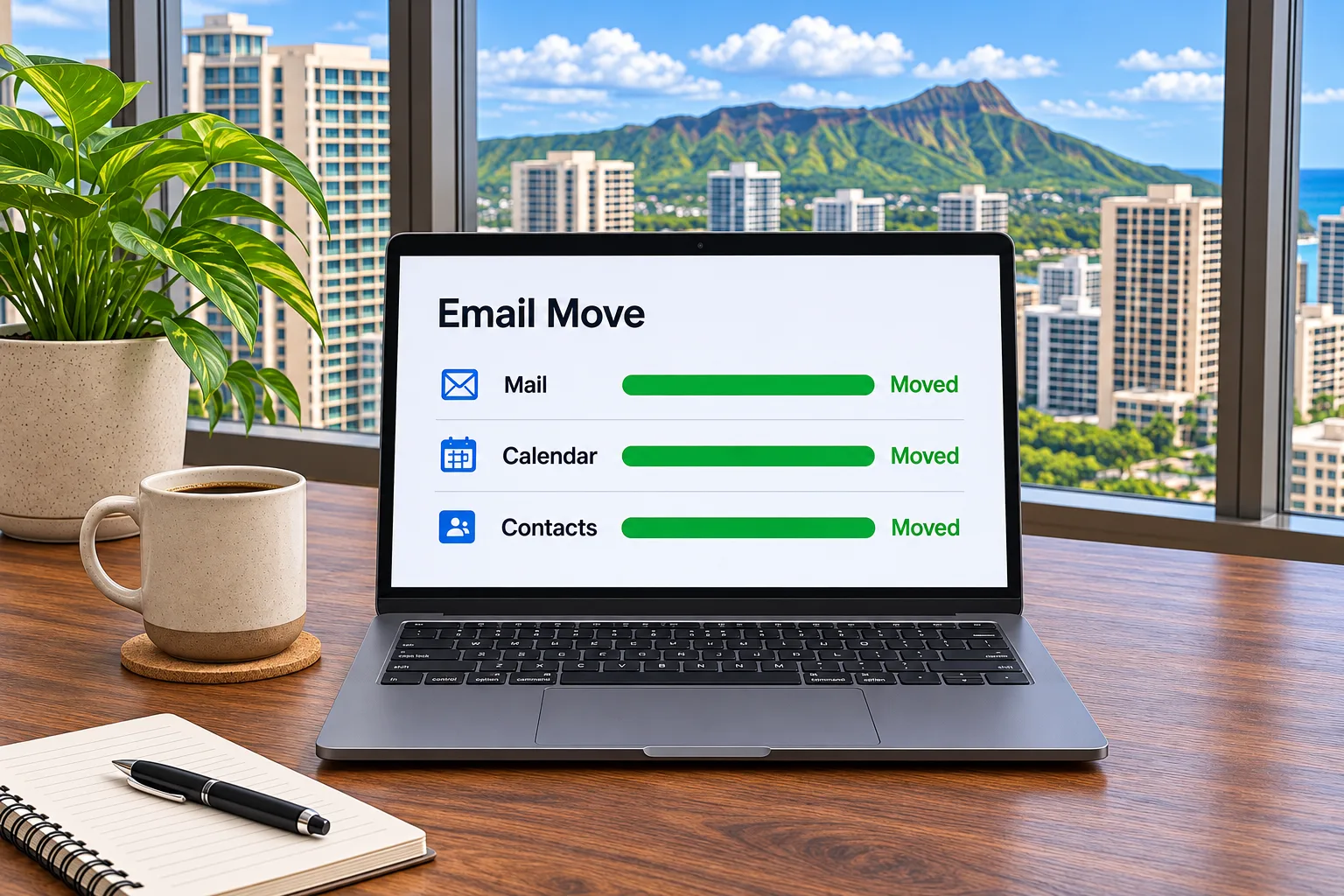
Google Workspace to Microsoft 365
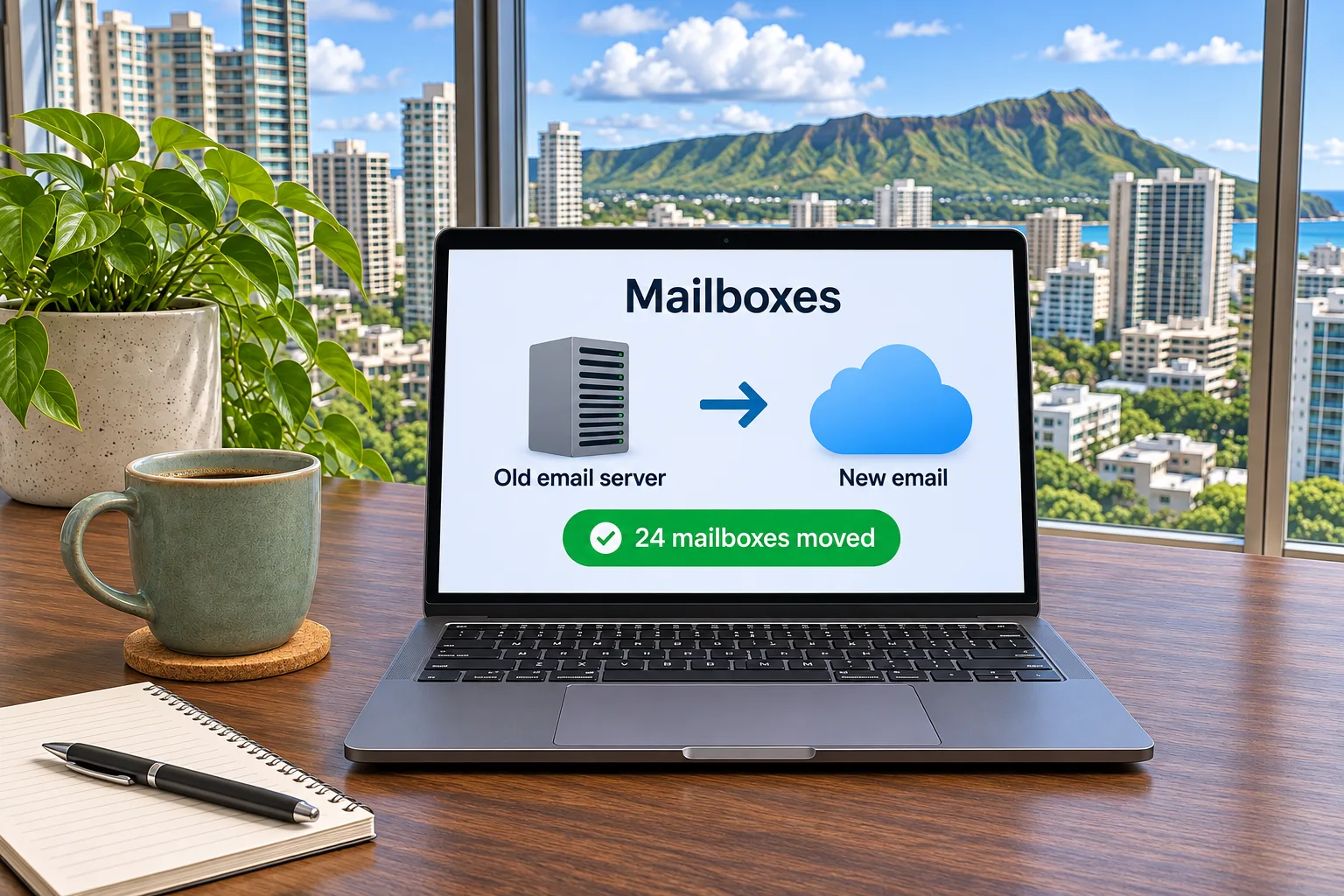
Older email to Microsoft 365
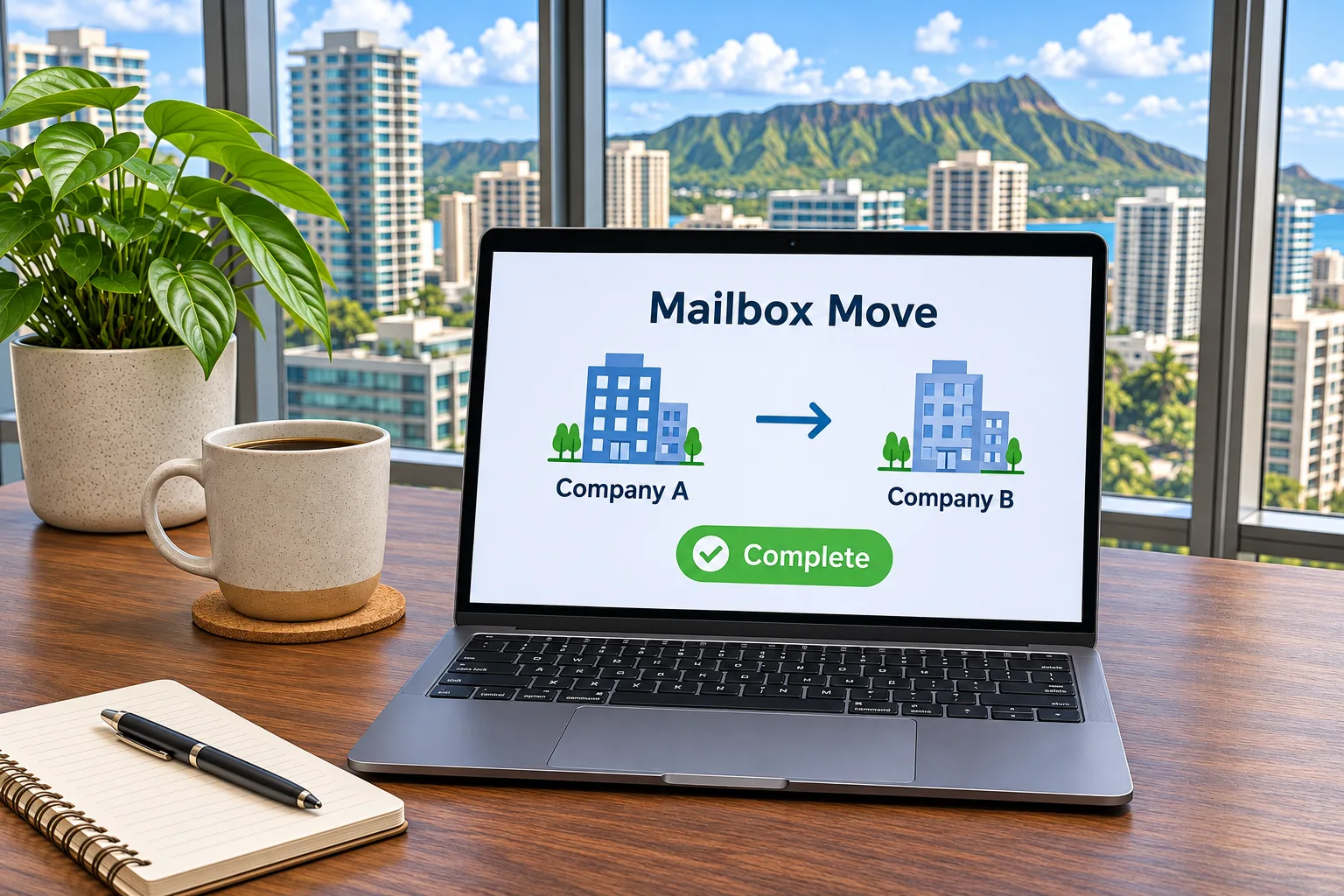
Microsoft 365 to Microsoft 365
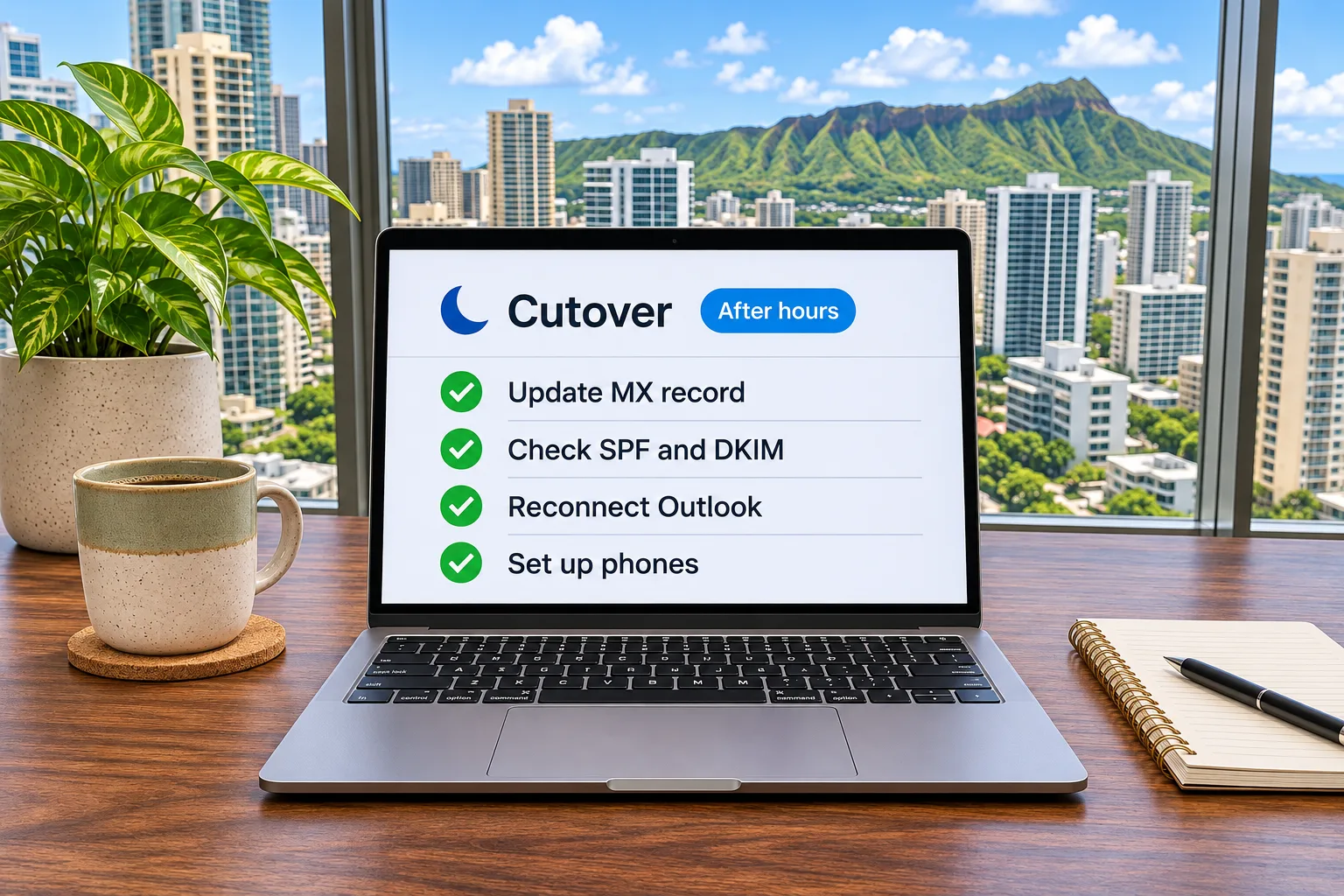
After-hours cutover
Ready to move your email?
Tell us where your email lives today and how many mailboxes you have.
We take on email migrations for any business in Hawaii. A real person will reach out within one business day.
Frequently asked questions
IT Hawaii moves email to Microsoft 365 from Google Workspace, from older email (on-premises Exchange, GoDaddy or other hosted email, and IMAP accounts), and from another Microsoft 365 tenant after a merger, split or rebrand.
IT Hawaii schedules the cutover after hours and updates your domain’s DNS records (MX, SPF, DKIM and DMARC) so mail flows to the new system.
Yes. Any business in Hawaii can hire IT Hawaii for a project, including businesses that keep their current IT provider or have an in-house team.
Email, calendars and contacts for every mailbox with its full history, plus shared mailboxes, aliases and distribution lists.
Yes. IT Hawaii reconnects each person’s Outlook and phone and helps with first-day questions.
Every project starts with an assessment, and IT Hawaii prices it as a fixed bid, fixed plus variable, not to exceed, or time and materials, depending on the project.