

Cloud Migration & Integration
Retire the servers and NAS devices in your office and run your business from the cloud. IT Hawaii moves your files and apps, connects them to your Microsoft 365 sign-in, and retires the old hardware.
- Files to SharePoint and OneDrive
- Servers to AWS or Azure
- Single sign-on with MFA












Your business is outgrowing the server closet
Your Hawaii team works from more offices, islands and home offices every year.
The servers and NAS devices in your office are getting more expensive to keep.

How do you get rid of your office servers?
We move your files and apps to the cloud, then retire the hardware:
We schedule migrations after hours, when they’re least disruptive to your team.
Cloud Solutions After the Move
Every project ends with documentation and a handoff to your team, your IT provider or IT Hawaii.
With managed IT, our cloud solutions keep your cloud looked after:
When a growing firm split into three businesses, we ran a full cloud migration for each under a shared IT strategy.


Cloud Migration for Hawaii Businesses
We move your files and apps off your office servers so your team reaches them from any office, island or home.
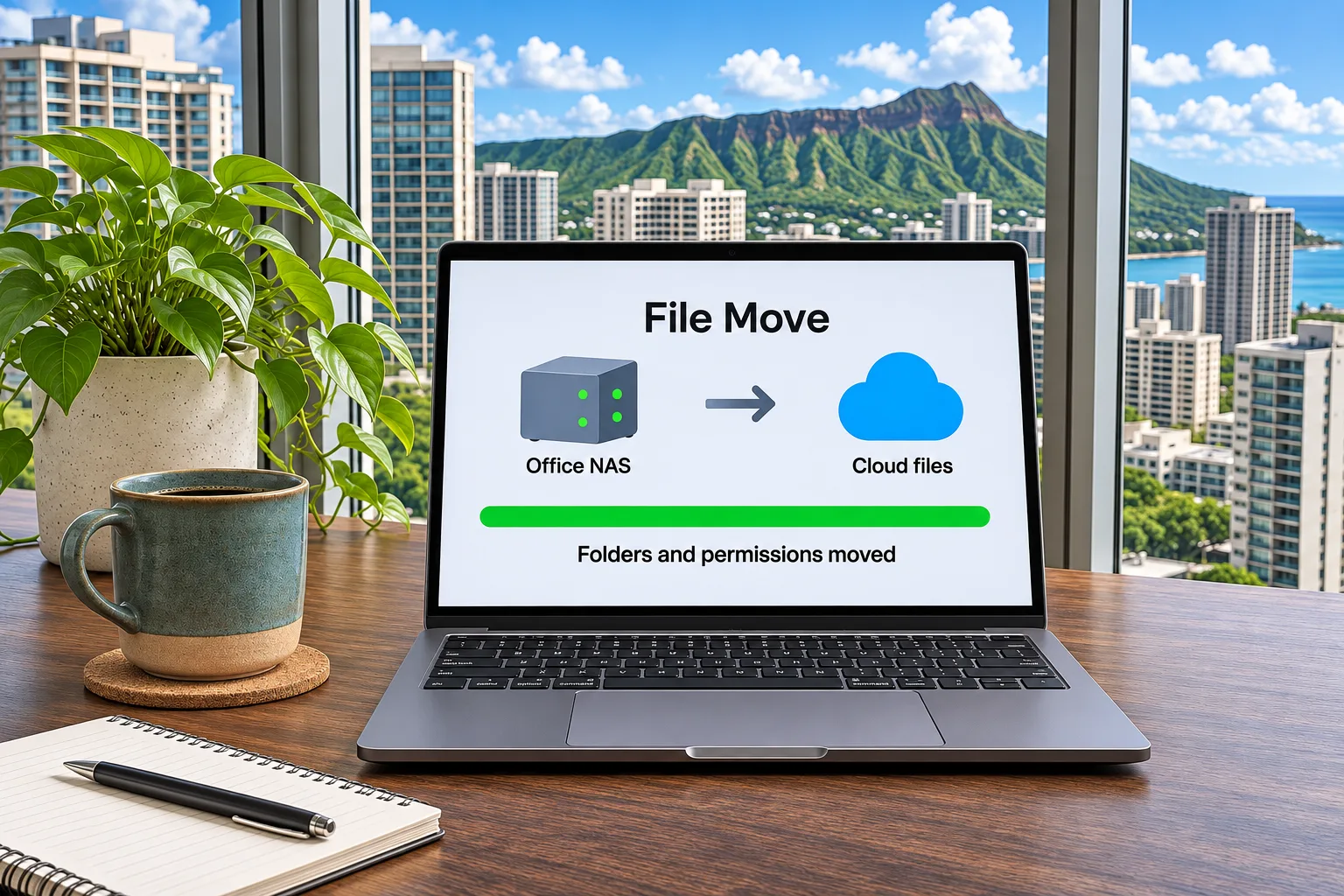
File server and NAS to cloud
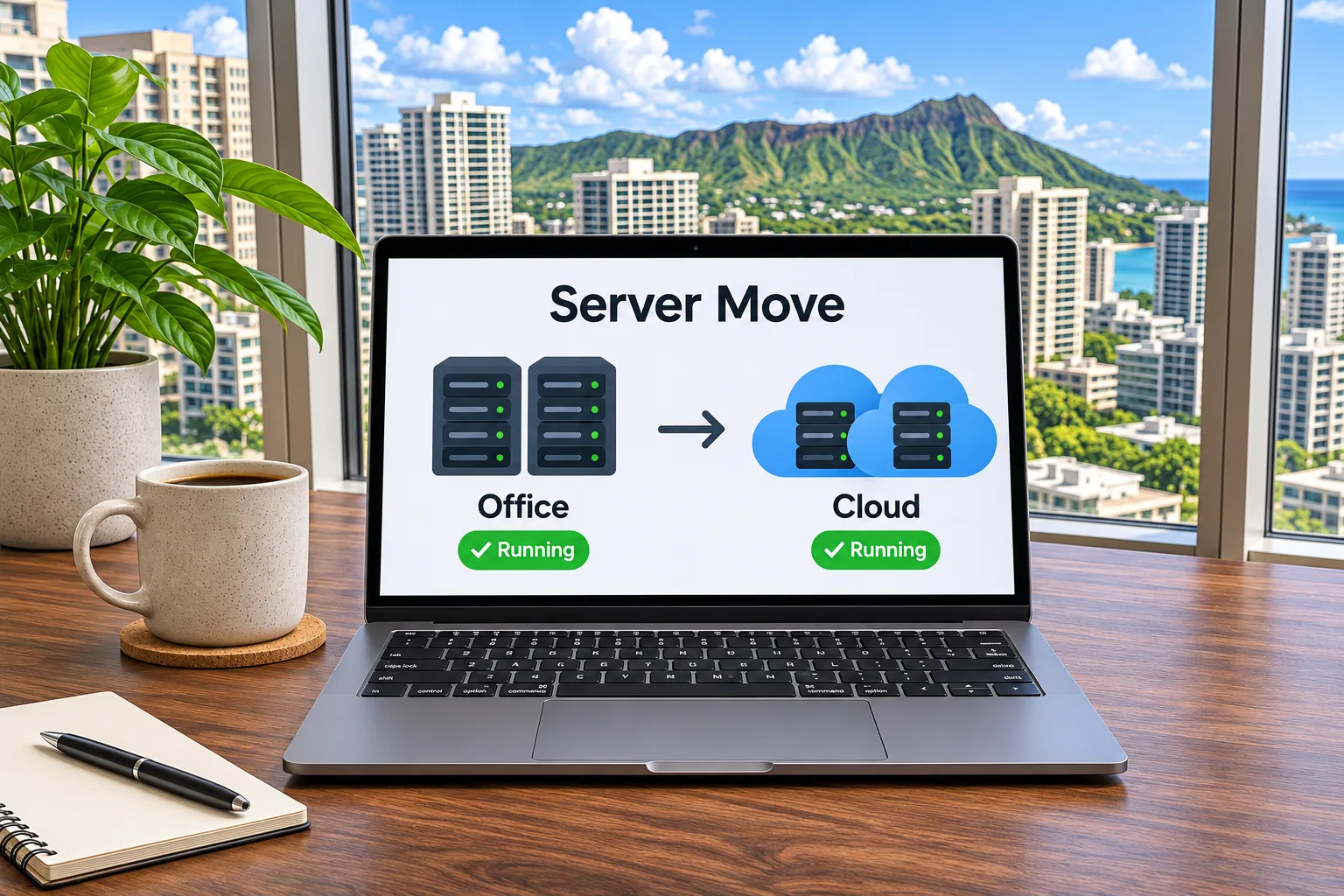
Servers to AWS or Azure
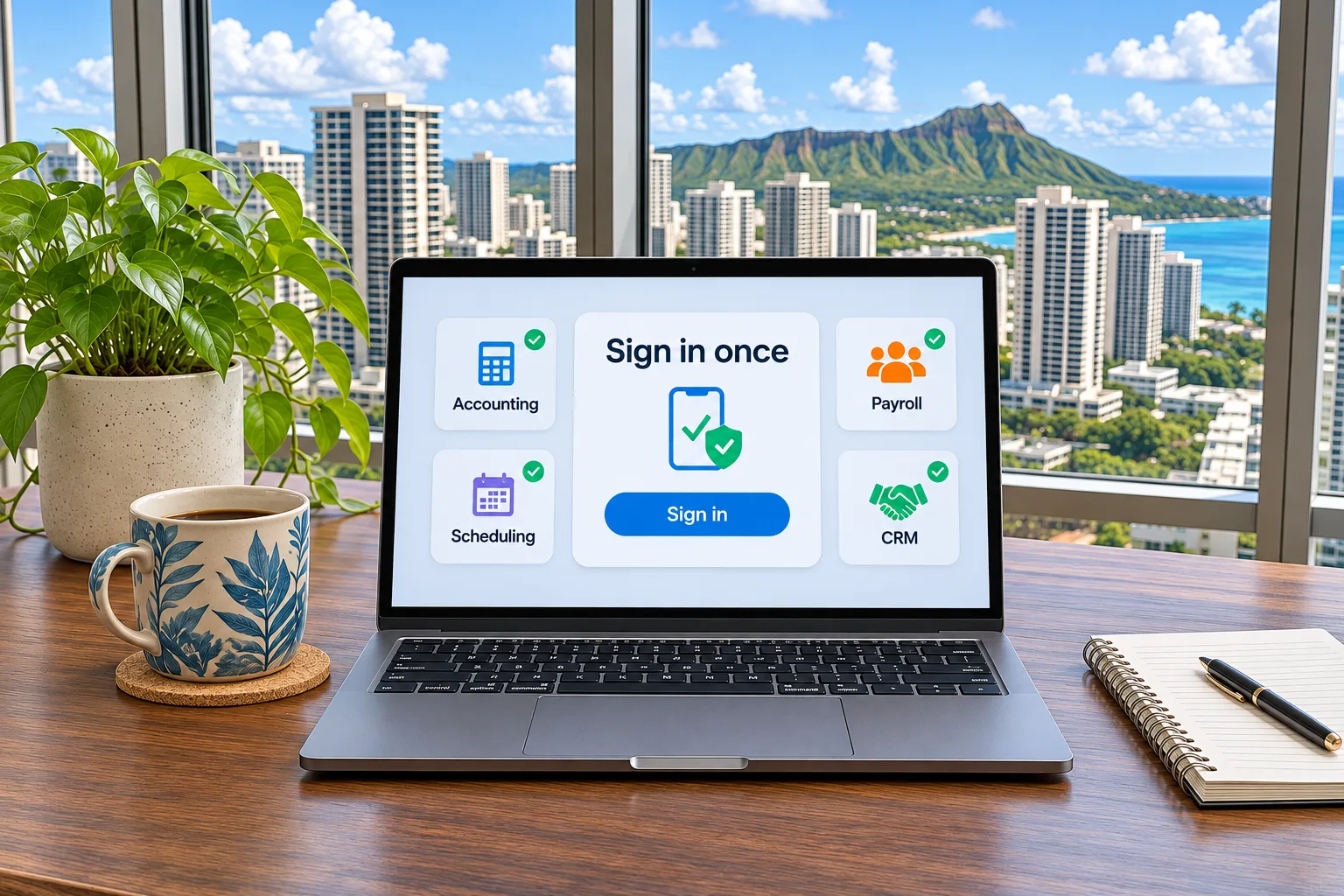
Single sign-on
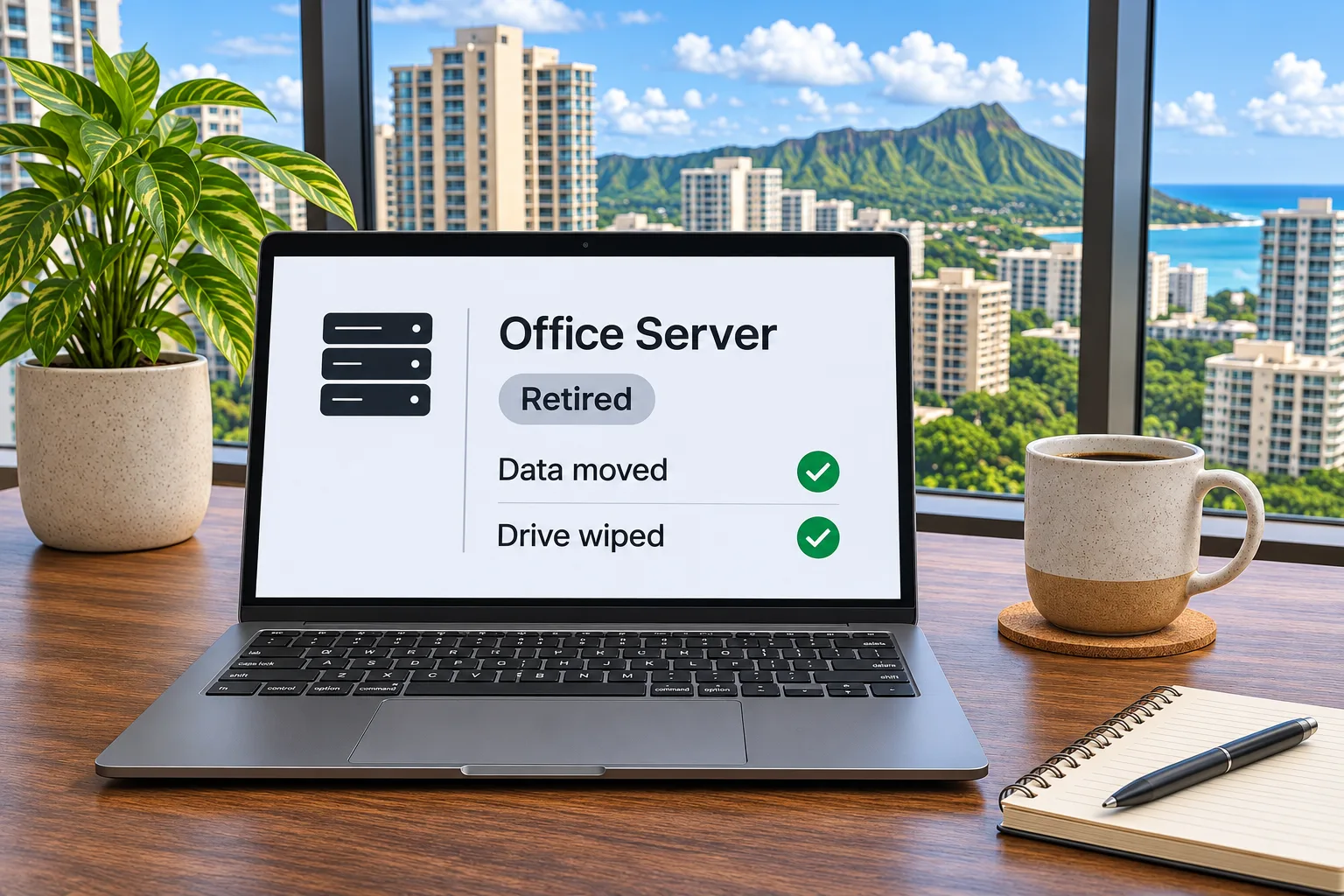
Retire the office server
Ready to retire your office servers?
Tell us what runs on your servers and NAS devices today.
We take on cloud migrations for any business in Hawaii. A real person will reach out within one business day.
Frequently asked questions
IT Hawaii moves shared files from file servers to SharePoint or OneDrive, moves office servers and business apps to AWS or Microsoft Azure, connects cloud apps to Microsoft 365 with single sign-on, and retires the old servers once your files and apps have moved.
Yes. IT Hawaii moves shared files to SharePoint or OneDrive with folders and permissions intact.
Once your files and apps have moved, IT Hawaii wipes and retires them.
Servers and NAS devices in the office are getting more expensive to keep. Moving your files and apps to the cloud lets you retire that hardware.
Single sign-on connects your cloud apps to your Microsoft 365 sign-in, so your team uses a single login protected by MFA.
Every project ends with documentation and a handoff to your team, your IT provider or IT Hawaii. IT Hawaii’s cloud solutions come with managed IT.