

Device Management
Give every new hire a laptop and phone that’s ready to work on day one. IT Hawaii’s managed IT includes device management on Microsoft Intune, with security settings enforced on every device.
- Windows, Mac, phones and tablets
- New devices ready to work
- Security settings on every device
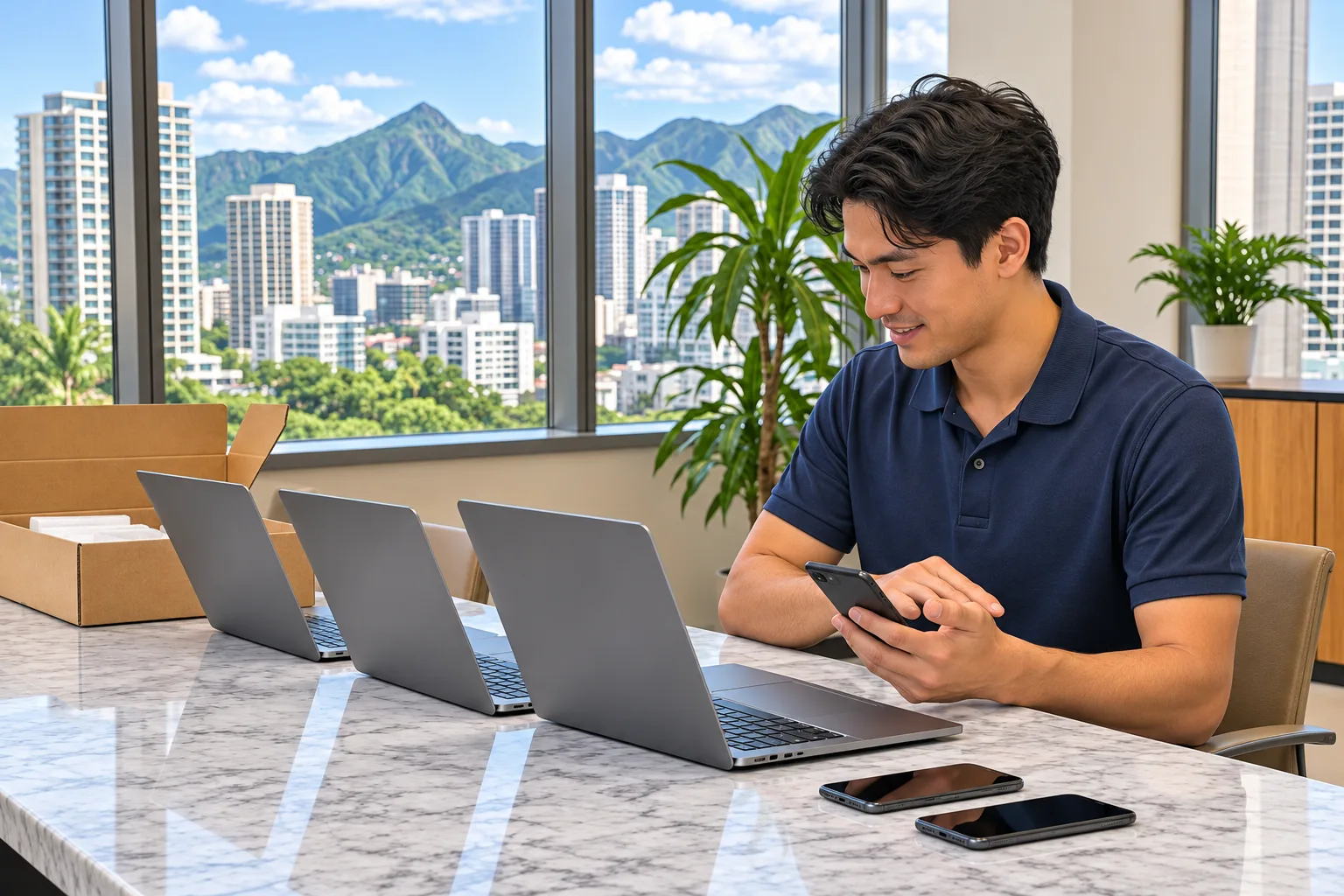






Every new hire means new devices
Your Hawaii team is growing, and every new hire brings a laptop, a phone and sometimes a tablet.
Every device set up by hand takes time and can miss a security setting.
How do you set up and secure every device your team uses?
We manage them all on Microsoft Intune.
Remote lock and wipe and the personal phone setup need a device management buildout. If you don’t have one yet, we can build it for you as a separate project.
Works with the rest of your managed IT
Device management comes with every IT Hawaii managed IT contract for businesses on Oahu and Kauai. On every device, it works alongside:
IT Hawaii has helped Hawaii businesses grow since 2001, with 95% client retention. Every managed IT contract also includes vCIO strategy reviews, up to quarterly.

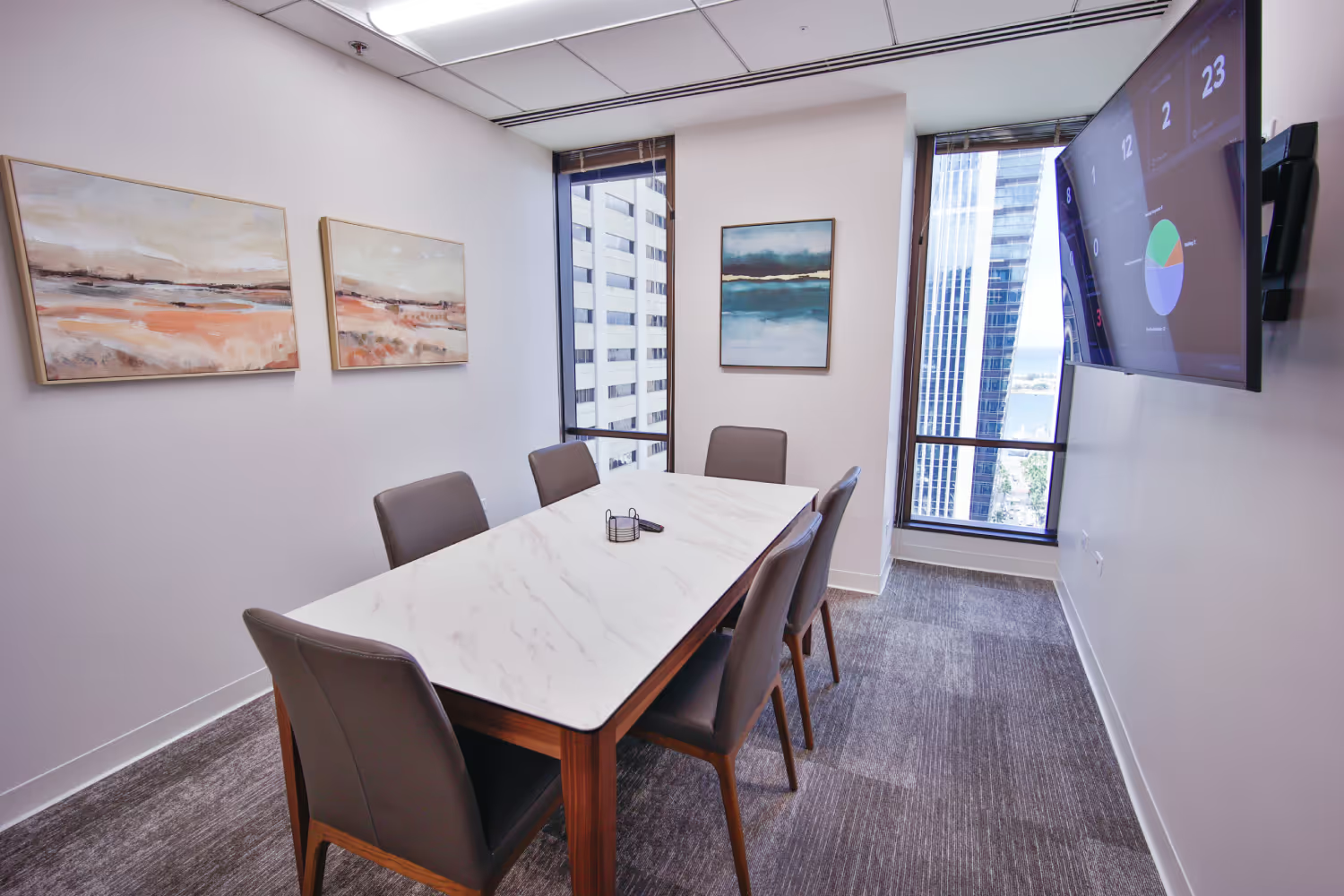
Device Management on Microsoft Intune
We set up and secure every laptop, phone and tablet so your team works safely on every device.
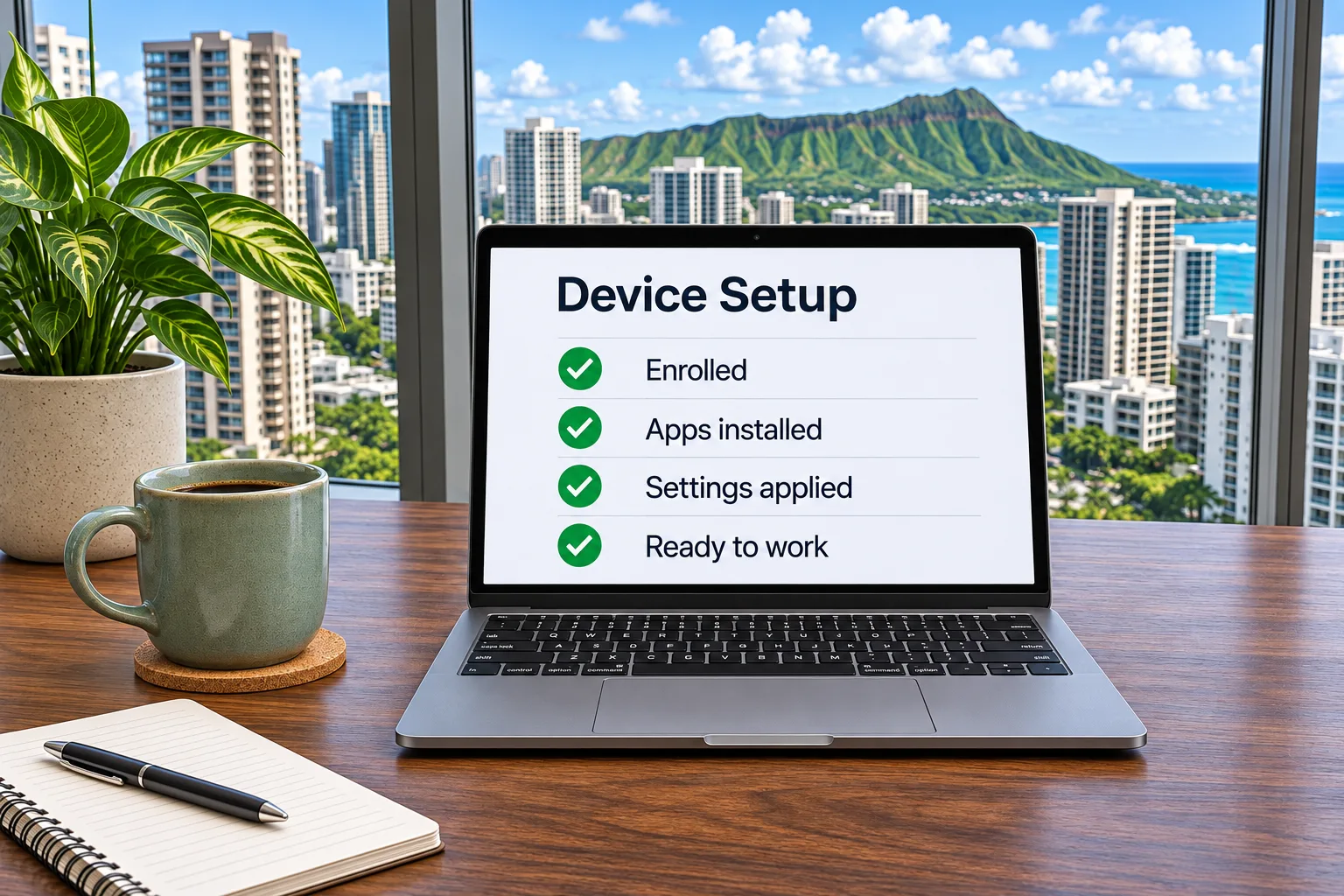
New device setup
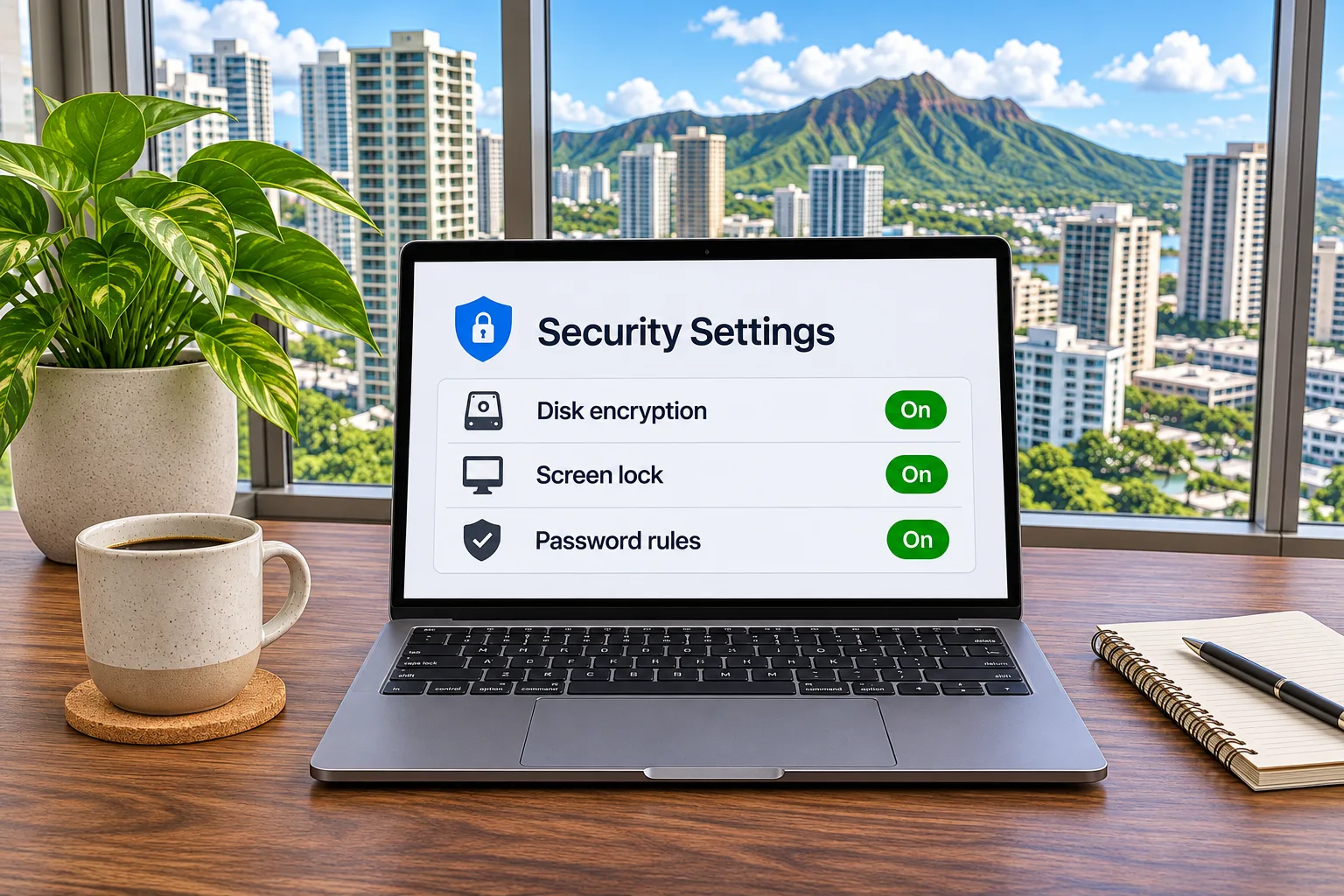
Security settings
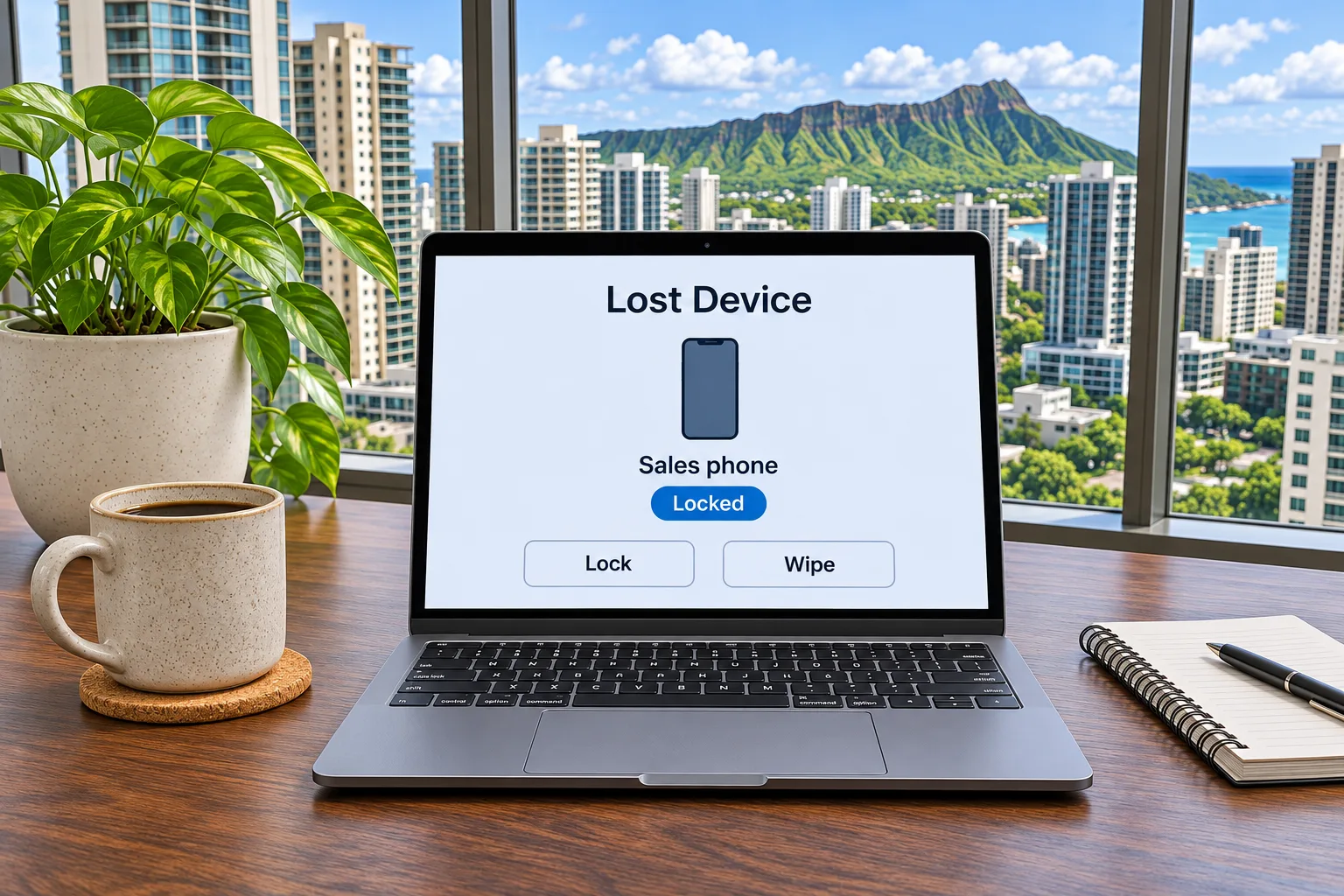
Lost or stolen devices
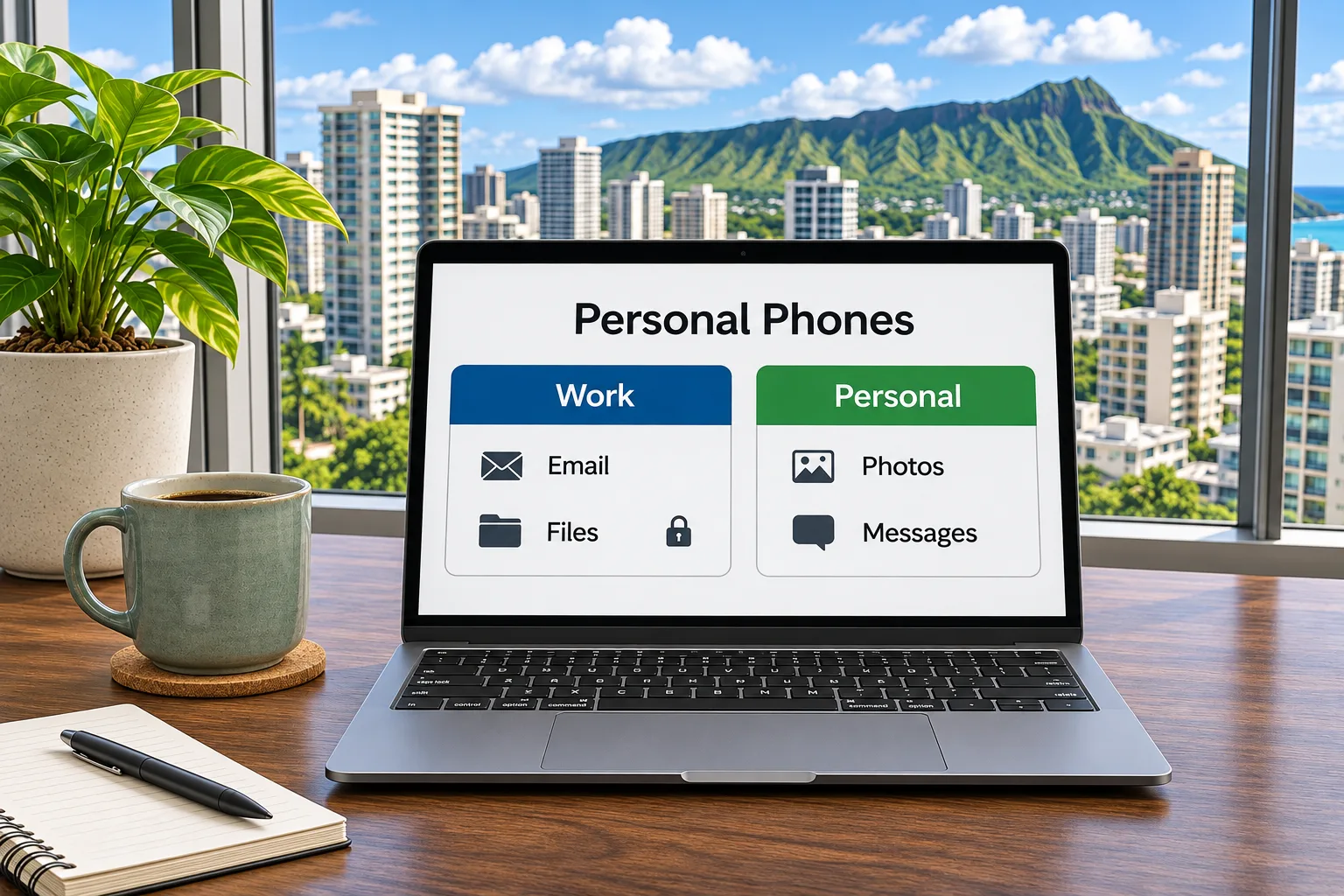
Personal phones
Ready to set up your next new hire?
Tell us about your team and the devices they use.
Managed IT from IT Hawaii includes device management for businesses with 10 or more employees on Oahu and Kauai. A real person will reach out within one business day.
Frequently asked questions
Device management sets up, secures and controls the computers, phones and tablets your team uses. IT Hawaii’s managed IT includes device management on Microsoft Intune.
Yes, once a device management buildout is in place. If you don’t have one, IT Hawaii can build it as a separate project.
Microsoft Intune.
Windows computers, Macs, company phones and tablets, and employees’ personal phones used for work.
Yes. With a device management buildout, work email and files stay separate from personal data on employees’ own phones.
No. Device management comes with IT Hawaii’s managed IT contracts. A device management buildout, when needed, is a separate project.